
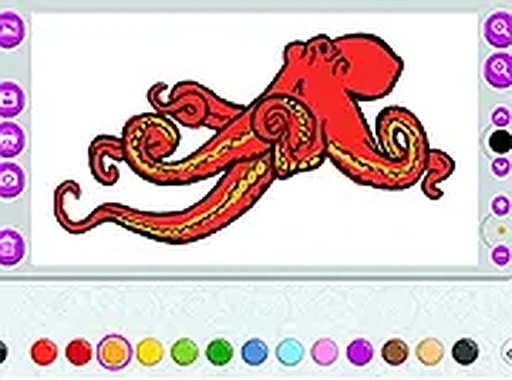
Creative Playground
This application offers a straightforward way for young artists to express themselves. Instead of a single activity, it provides two distinct starting points. Users can browse through collections of pre-drawn scenes, from animals to landscapes, and add their own color choices. Alternatively, a blank canvas invites freehand drawing, allowing for original sketches and doodles. The interface is designed to be intuitive, so even first-time users can begin without confusion.
Tools for Expression
A wide selection of colors is available, ranging from basic hues to softer pastels. Different brush styles change the texture and width of each stroke, giving more control over details. For those who want to work on existing images, the upload feature lets you import pictures from your device. This turns any photograph into a coloring page, adding a personal layer to the activity. The tools are responsive on both touchscreens and traditional mouse setups.
Comfort and Accessibility
Longer sessions are supported by a night mode that lowers screen brightness, reducing eye strain during evening hours. The entire experience runs inside a web browser, meaning there is no software to install. This makes it easy to switch between a phone, tablet, or computer without losing progress. Finished artwork can be saved as an image file or sent to a printer directly from the app, preserving the final result.
Encouraging Creativity
The structure of the app encourages experimentation. Trying different color combinations on a single page can lead to surprising results. The freehand mode is particularly useful for practicing shapes and patterns. An undo option allows for easy corrections, so mistakes are not permanent. This low-pressure environment helps build confidence in young users.
COMMENTS
0 comments