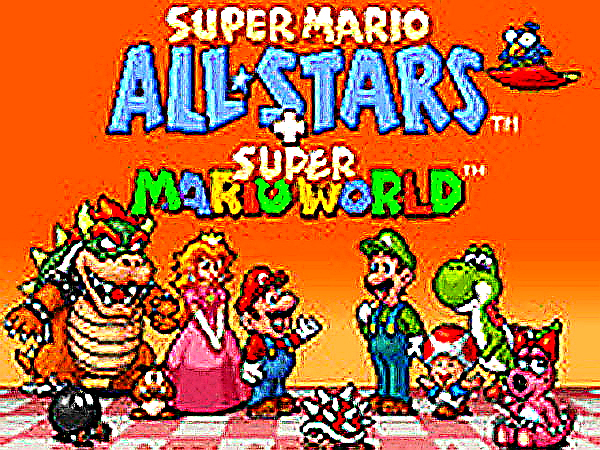
Super Mario All-Stars delivers a faithful recreation of the SNES compilation with all five episodes intact. The emulation is precise, preserving the original physics and level designs. Save support and fullscreen mode make it practical for modern play. Each game offers distinct challenges, from the tight platforming of the original to the expansive worlds of Super Mario 3. This collection has strong replay value for both newcomers and returning fans.
Super Mario All-Stars Online Arcade Game is a browser-based compilation of classic platforming adventures. It brings together five iconic Mario episodes originally released on the Super Nintendo Entertainment System, including Super Mario Bros., Super Mario The Lost Levels, Super Mario 2, Super Mario 3, and Super Mario World. Players control Mario as he jumps across colorful levels, defeats enemies like Goombas and Koopa Troopas, and works to rescue Princess Peach. This collection is designed for retro gaming enthusiasts and newcomers alike, offering faithful emulation that preserves the original graphics, physics, and level designs. The game requires no downloads and runs directly in a web browser, making it accessible on many devices.
Players control Mario using a keyboard. Arrow keys move Mario left and right and allow him to jump. Additional keys correspond to classic SNES buttons: one button is used for running or throwing fireballs, another for jumping, and extra buttons provide controls for later episodes. The goal in each level is to reach the flagpole at the end, avoiding enemies and pitfalls along the way. Players can select different games from the main menu and save their progress at any time to continue later. Fullscreen mode is available for a more immersive view.
This compilation includes five complete Mario platforming episodes, each with unique mechanics such as world map exploration and secret exits. It features accurate ROM emulation for authentic gameplay. Players can save their progress at any time and return later. The game supports fullscreen mode and customizable keyboard controls. No downloads are required—the game runs instantly in a web browser.
Practice each episode's unique mechanics, such as the world map in Super Mario 3 and the secret exits in Super Mario World. Learn enemy patterns and level layouts to avoid common pitfalls. Use the save feature frequently to preserve progress, especially before challenging sections. Experiment with power-ups like Super Mushrooms and Fire Flowers to gain advantages. Playing in fullscreen mode can improve visibility and reaction time.
A faithful remake with a creative level editor. Smooth controls and family-friendly fun.
Charming fan-made platformer with creative levels and smooth controls. Great for quick play sessions.
Clean retro design with smooth controls. Great for short breaks and high score chasing.
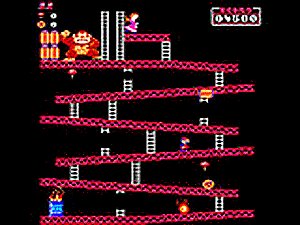
Faithful recreation of a classic arcade game. Simple controls and escalating difficulty keep it engaging.
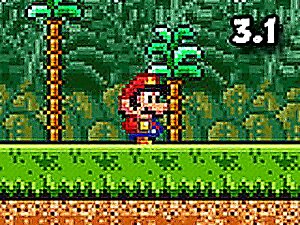
Great mix of classic Mario levels with iconic characters. Simple controls and lots of content.
A charming SNES RPG with fun battles and a great story. Perfect for all ages.
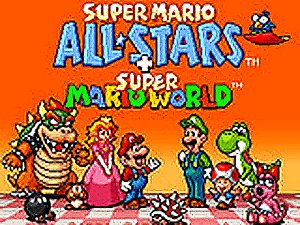
Accurate SNES emulation with five classic games. Save support and fullscreen mode add convenience.
Smooth controls and classic fun. A perfect brain teaser for quick sessions.

Bright and cheerful platformer with simple controls. Great for quick, fun sessions.

Classic platformer with clever level design and Yoshi. Great for nostalgic fun and new players alike.