
Play Modes and Setup
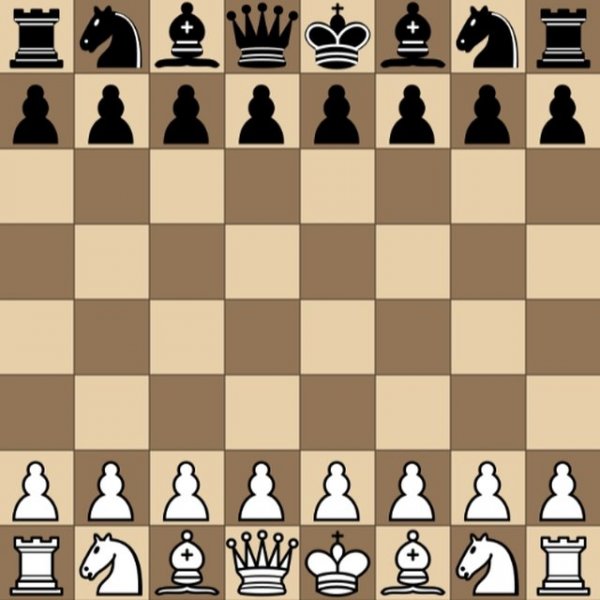
Classic Chess Strategy Online offers two ways to play: against the computer or with a second player on the same device. When facing the computer, you can adjust the difficulty level to match your experience, and you can choose whether to play as white or black. The board always starts with the standard chess setup. The computer moves its pieces automatically, so you only need to manage your own turns. This structure keeps the focus on decision-making rather than navigating menus or waiting for an opponent to click.
How Turns Work
To move a piece, click it and then click the destination square. The game follows standard chess rules, including castling, en passant, and pawn promotion, though the interface presents them without extra clutter. The objective is to place the opponent's king under an inescapable threat—checkmate. If neither side can force a win, the game ends in a draw. Because the computer responds instantly, the pacing stays smooth and lets you think several moves ahead without downtime.
Customization and Device Support
Beyond difficulty and color, the game includes a full-screen mode for a larger, more immersive board view. It runs in all major web browsers and adapts to PCs, mobile phones, and tablets. The layout is intentionally simple: no distracting animations or pop-ups, just the board and pieces. That clean presentation makes it easy for beginners to learn the controls while still giving experienced players a distraction-free space to practice openings or endgames.
Who It Suits
This chess version works well for families, students, or anyone who wants a quick match during a break. The adjustable computer opponent means new players can start on an easier setting and increase the challenge as they improve. More advanced players can use it to test specific strategies or play a casual game against a friend. Because it is browser-based and requires no download, it is also a practical option on shared or limited devices.
COMMENTS
0 comments